
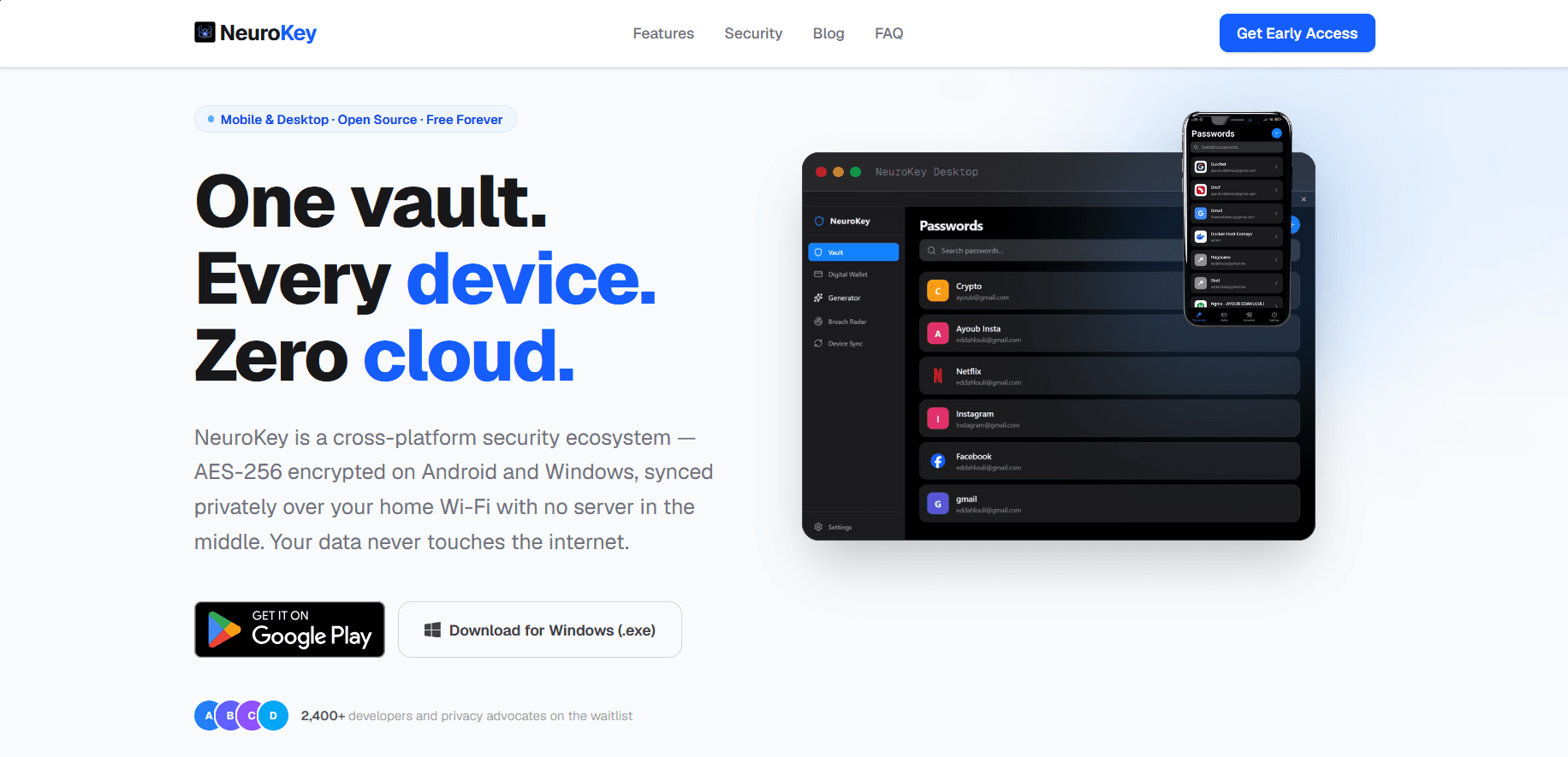
NeuroKey Password Manager
FeaturedOffline-first password manager for Android and Windows: encrypted vault, biometric unlock, privacy-preserving breach checks and serverless Wi-Fi sync between phone and PC.
- Expo
- React Native
~/services/mobile
I build mobile apps for Android and iOS with React Native: one codebase for both platforms, a native feel, and features that keep working without a connection.
One React Native codebase for both platforms, so every feature ships on both at once.
The app keeps working without a connection and syncs when it comes back.
Encrypted local storage and biometric unlock with fingerprint or face.
The server, database and API the app needs, or a connection to yours.
A web back-office to manage the app’s content and users.
Builds for Google Play and the App Store, and updates after launch.
Offline-first password manager for Android and Windows: encrypted vault, biometric unlock, privacy-preserving breach checks and serverless Wi-Fi sync between phone and PC.
01
We talk about your goals, your users and what the project needs to do.
02
You receive a written scope with milestones and a quote before any work starts.
03
I build in milestones and share a working preview you can test as it grows.
04
I deploy, hand over the admin tools, and stay available for fixes and new features.
No. With React Native, one codebase runs on both, which saves time and budget.
Yes. NeuroKey, my password manager, works fully offline and syncs between phone and PC over Wi-Fi, without a server.
Yes. I build the API, the database and the web back-office, so the whole product fits together.
Tell me what you want to build. I'll reply with questions, an approach and next steps.